2:30 pmThe rep is pouring
Taste the wine.
Skip the homework.
A new bottle goes on your list. backwaiter looks it up, finds the tech sheet and the label, writes the card, and puts it on your staff's phones before preshift. You approve every word.
2:50 pmYou ordered three cases
That was the fun part.
Now comes the homework, for every new bottle:
- Look up the wine
- Hunt down the tech sheet
- Work out how you'd explain it
- Write it up so the floor can sell it
- Teach it at preshift
Next month half the list changes, and you do it all again.
You taste the wine. backwaiter does the work.
3:00 pmBefore the rep leaves
Snap a photo.
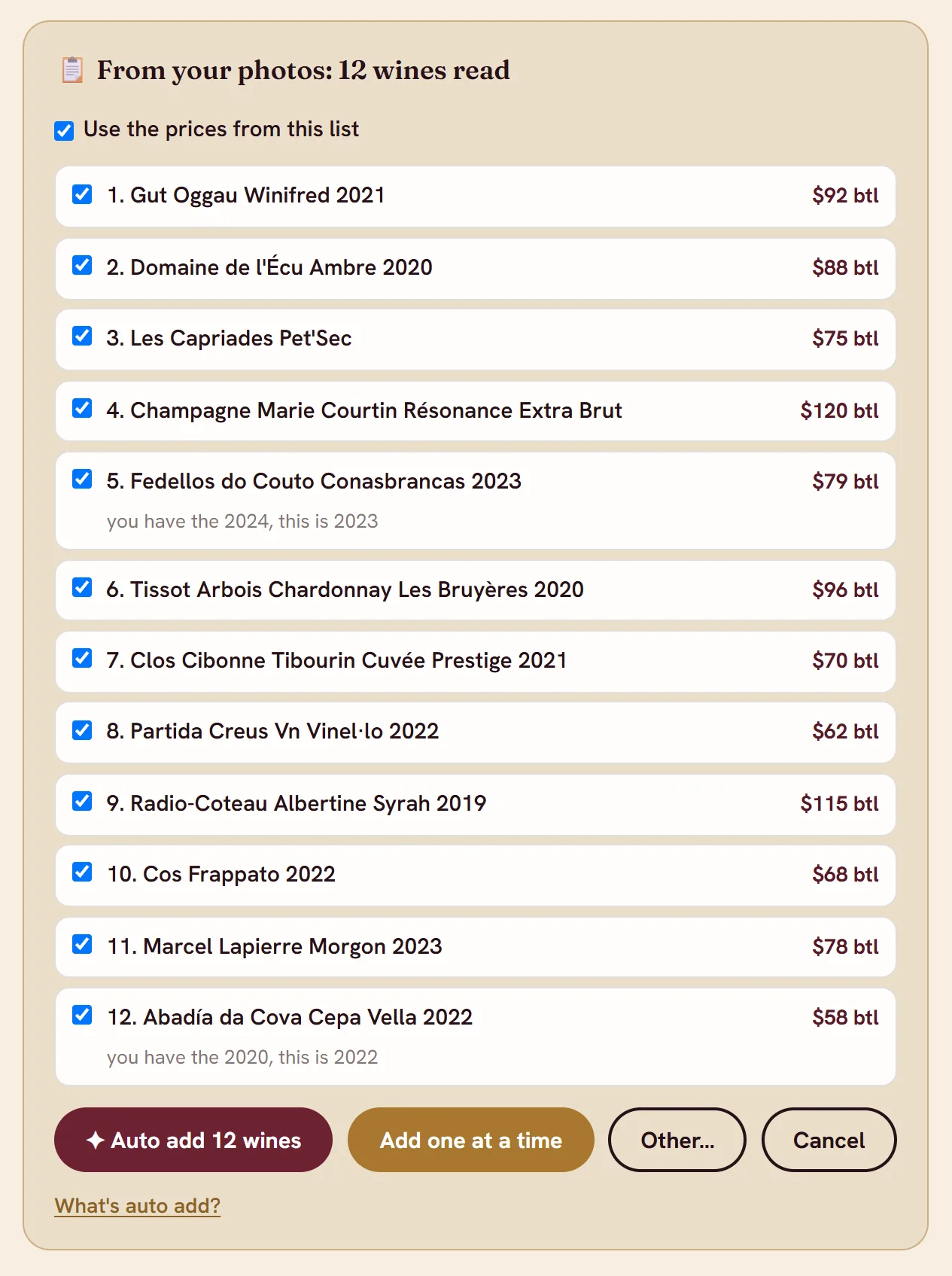
A bottle, the rep's price list, a tech sheet. Send up to ten photos at once. backwaiter reads every line and hands you a checklist to confirm.
Snap your own wine list and the prices come along too. Or just type it: add the 2020 Cepa Vella.
3:05 pmYou go set up the bar
It does the reading.
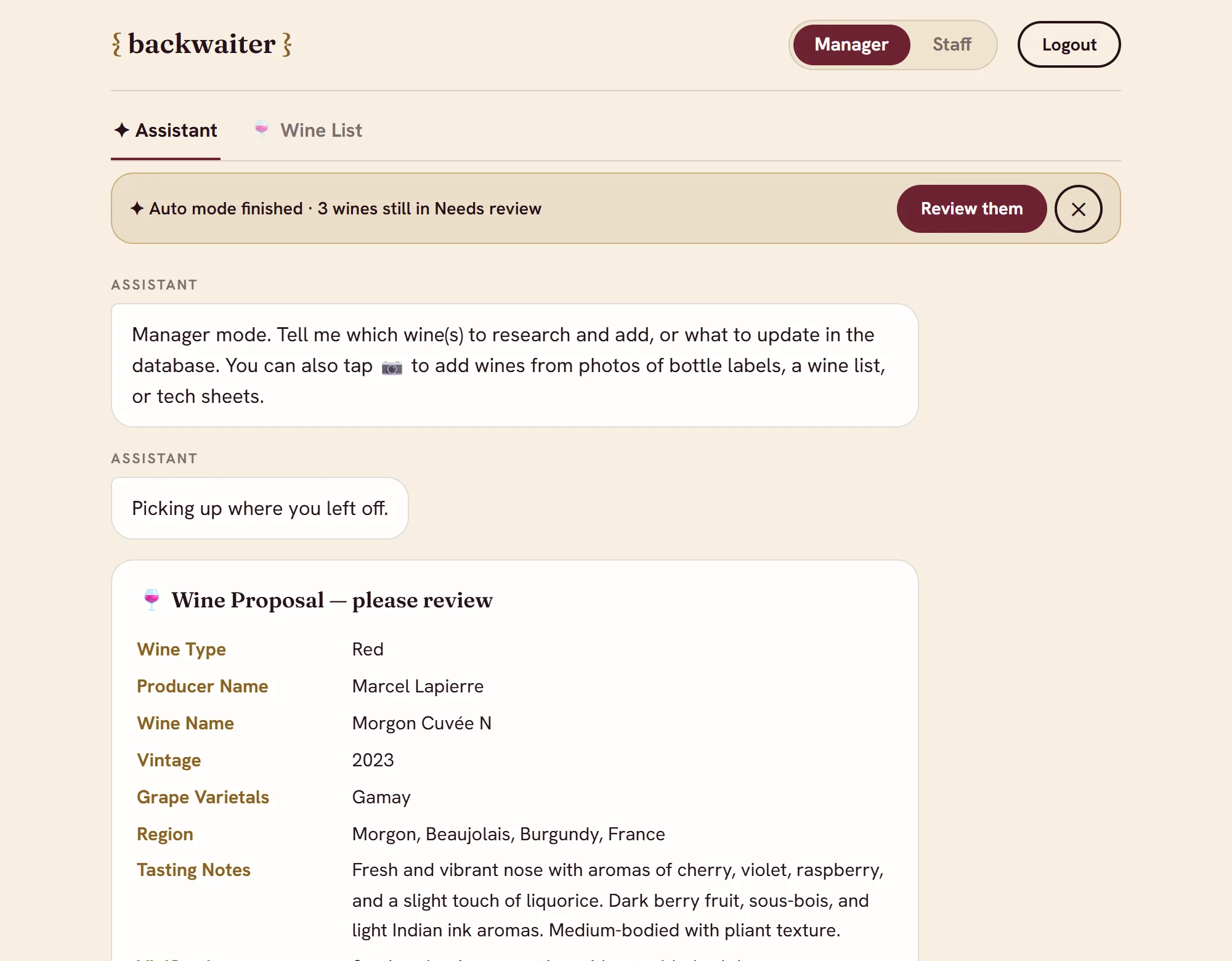
Each wine gets researched from real pages: the winery, the importer, and your tech sheet first, because the producer knows best. Out come the grapes, the region, how it's made, how it tastes, and the story worth telling at the table.
Then it goes looking for the label. Hand it twenty-five wines and it works through them on its own.
If it can't find it, it won't make it up.
3:30 pmFamily meal
You have the final say.
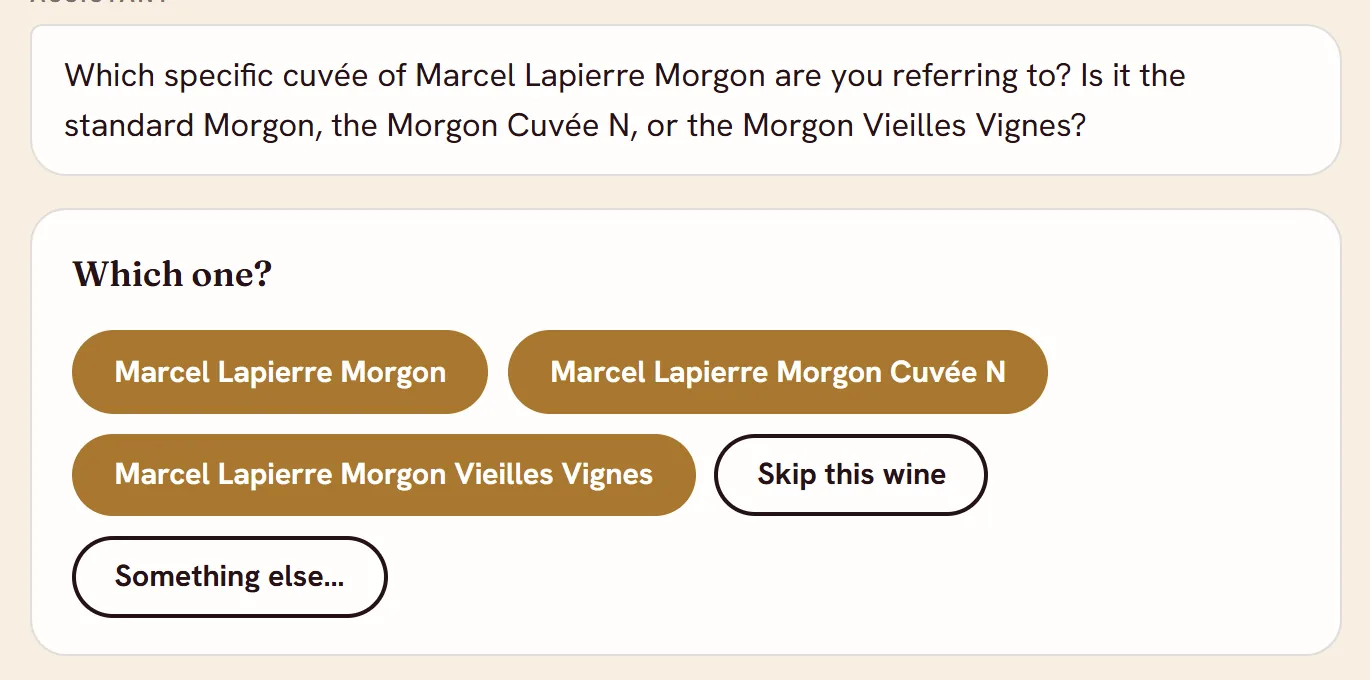
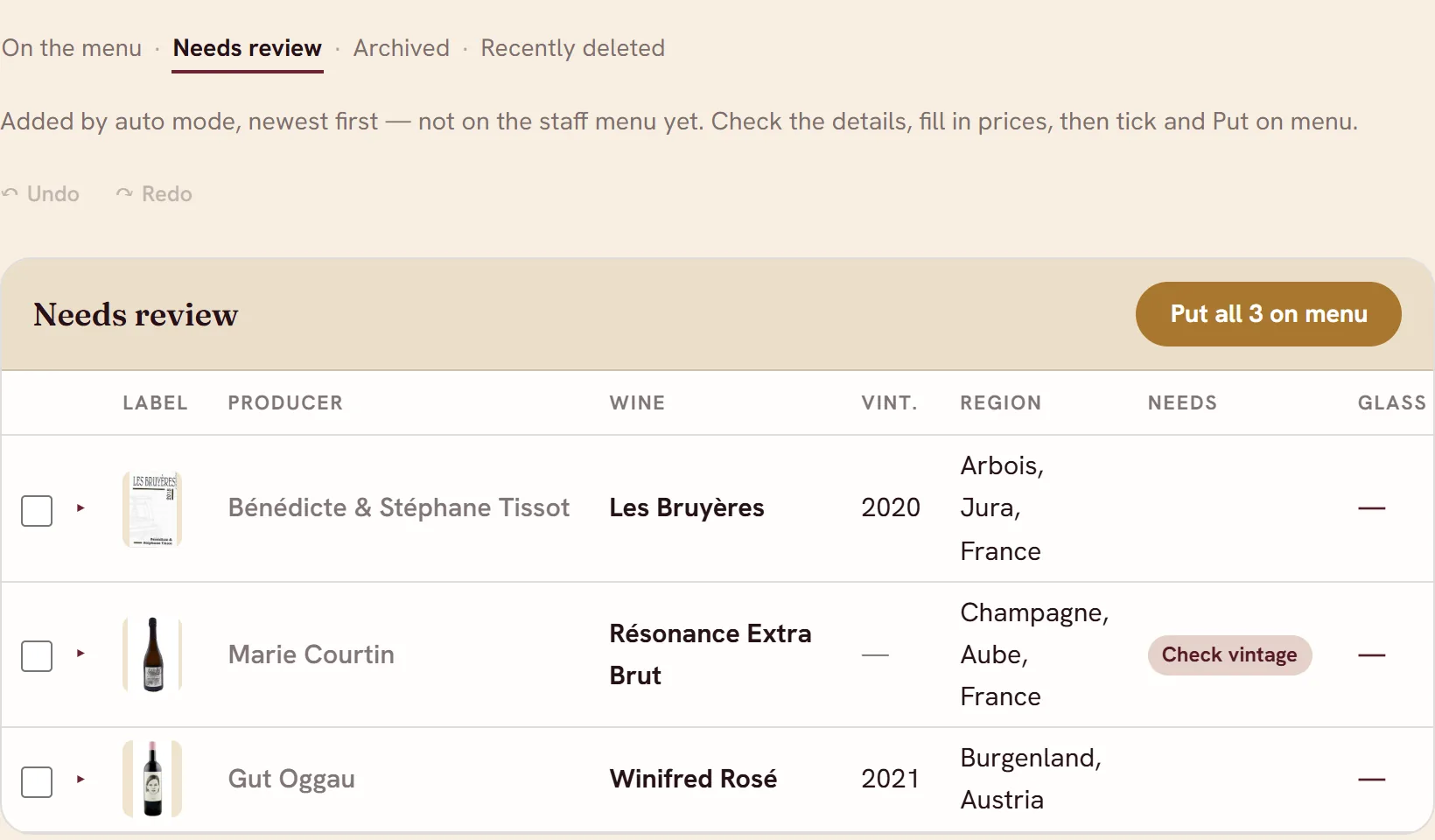
Nothing reaches your staff until you approve it. Check each card as it's written, or let it run and answer its questions at the end.
Close the laptop and go run family meal. It's where you left it when you come back.
Sold out? Archive it. Back next season? One click puts it on the list again.
4:45 pmPreshift
Your staff already has it.
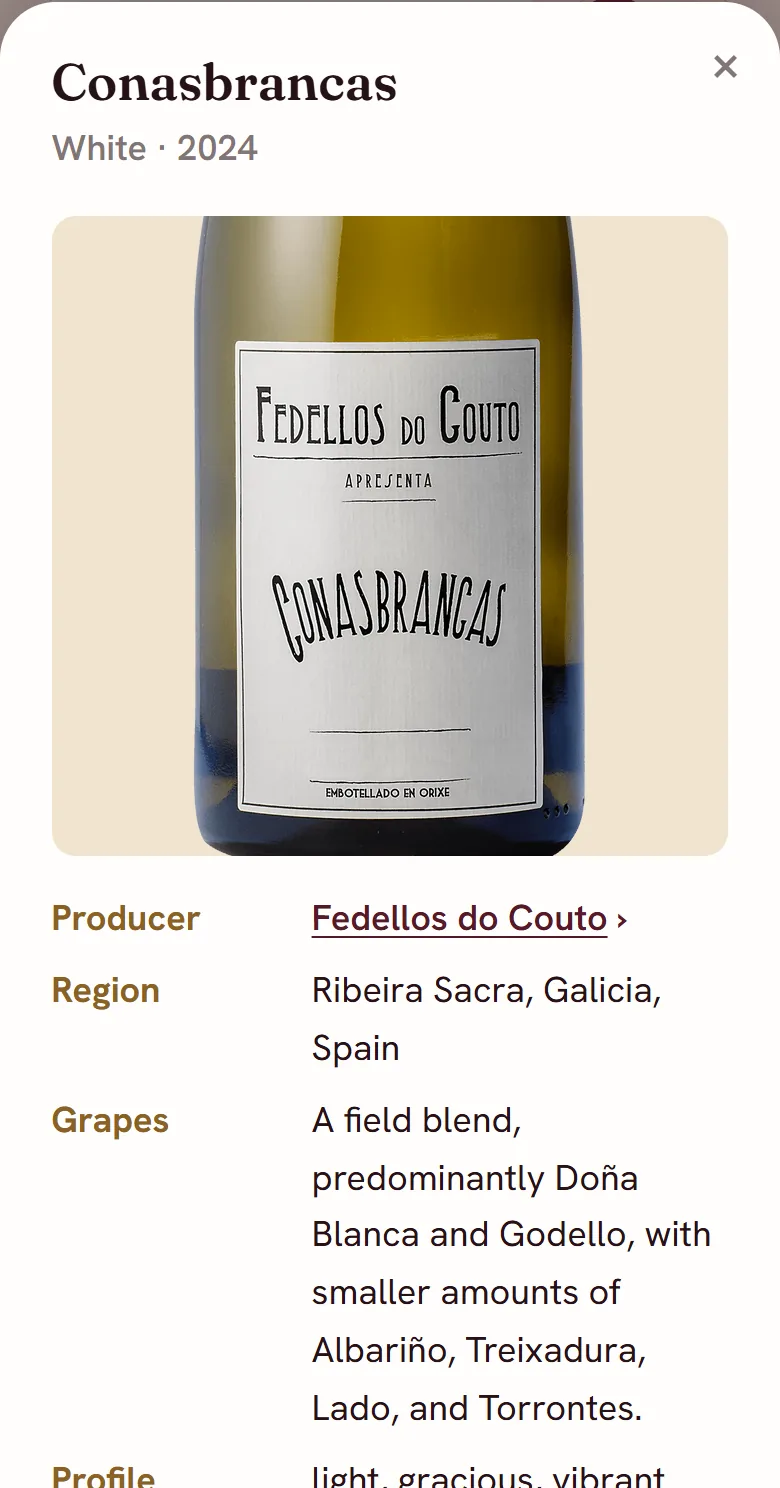
Every wine on your list gets a card on their phone: the label, the grapes, the region, how it tastes, the price. They can search it by grape or region, study it on the train in, or check it thirty seconds before they sell the bottle.
Pull one up for wine of the day. The whole floor reads the same card, so the whole floor tells the same story.
They'll forget the paragraph. They'll remember the label.
5:30 pmDoors open
That's the whole pour.
Your list is done before the first table sits down.
I'm taking a few pilot restaurants in NYC. Tell me about yours.